Change DVT Properties
To change DVT properties, open the DVT and navigate to the Transcript tab. Then follow the steps below:
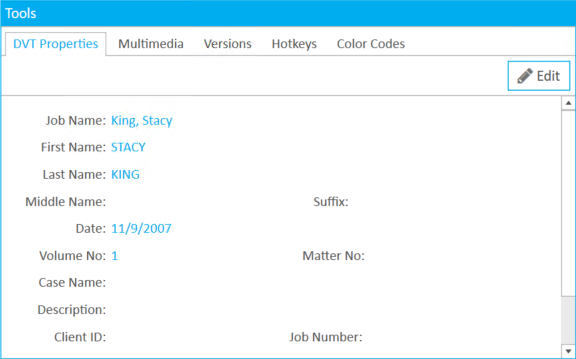
- Click the DVT Properties tab in the Tools panel.
- Click the Edit button.
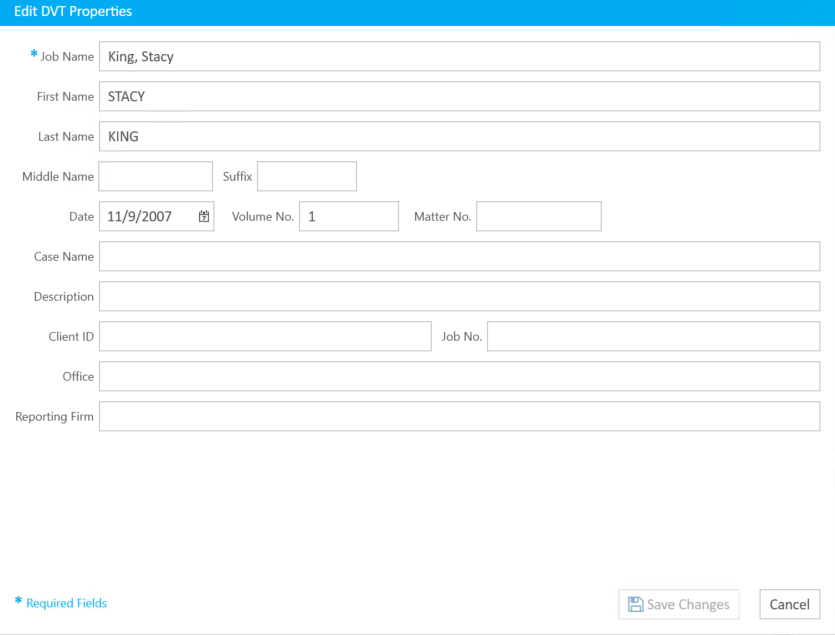
- Make any changes and click Save Changes. When you click Save Changes, the dialog closes and the new information can be seen in the DVT Properties tab.

The Edit DVT Properties dialog appears.
Related Topics
Version: 2022.2.0
Last Revision: 1/18/2023